
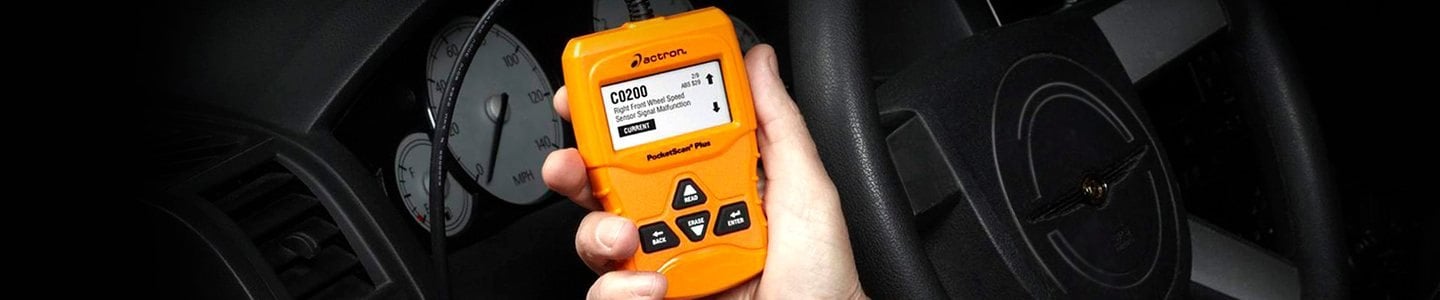
At CARiD, we are constantly encouraging car owners to take on more DIY (Do-It-Yourself) tasks, as a way to save money, become more knowledgeable about their vehicles, and bask in the satisfaction of a job well done. From simple tasks like changing a fuse or battery, to oil & filter changes, to slightly more involved jobs like new brake pads and spark plugs, we have provided guidance via our Helpful Articles while also offering the widest variety of parts and tools to help you get it done.
Of course, there is a difference between wrenching on a one-year-old Dodge Challenger and a 20-year-old Ford F-150. Cars have gotten much more complex; open the hood on that old Ford, and many of us can point out all the various engine components, whereas a peek at the engine compartment of a modern muscle car reveals a large black plastic engine cover and little else. You don't need to be an automotive engineer to understand that today's engines, transmissions, brakes, plus the full variety of modern safety and convenience features are all controlled by electronic black boxes.
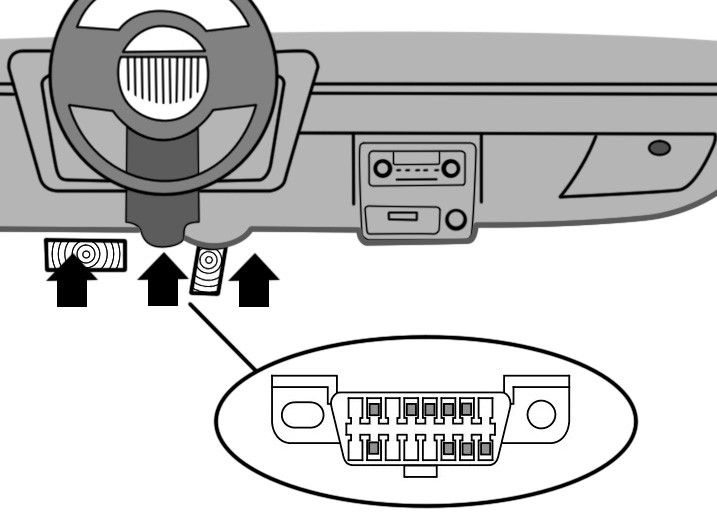
Way back in the 1990s, as more of these high-end complexities were being introduced, the U.S. government decreed that cars and light trucks must have the ability to display system fault codes via what is known as On Board Diagnostics. This actually grew out of an earlier system we now call On Board Diagnostics One (OBD I). Starting with all cars from model year 1996 and newer, an On Board Diagnostics Version Two (OBD II) system is required. The good news is, one of the Federal requirements included a standardization of sorts, so that all vehicles with OBD II have an identical port to plug in a diagnostic tool, and there is a commonality among the so-called Diagnostic Trouble Codes (DTCs) displayed by such a tool.
More good news: since OBD II was introduced, accessible and affordable tools (code readers or scanners) have been available in the aftermarket which allow any car owner to perform simple diagnostics in their own driveway. Some higher-end tools even allow the DIYer to reset certain functions, but in this article, we will keep things simple. Let's start by supplying definitions for the most common acronyms that one will come across when using such tools:
Definitions:
- OBD I: On-Board Diagnostics 1, an electronic vehicle diagnostics system used on most vehicles with electronic controls up through model year 1995.
- OBD II: On-Board Diagnostics 2, an electronic vehicle diagnostics system required by U.S. law on light-duty cars and trucks from model year 1996 and newer.
- DLC: Data Link Connector: On OBD II vehicles, a required connection point for a scan tool.
- CEL: Check Engine Light, the warning light on the instrument cluster if a vehicle fault is detected.
- MIL: Malfunction Indicator Light, another term used instead of Check Engine Light.
- DTC: Diagnostic Trouble Code, an alphanumeric code which can be read by a scan tool, identifying a fault by type and location.
- I/M Readiness: Inspection/Maintenance Readiness, an indication that various systems have run through a drive cycle self-check and a vehicle is ready to be tested.
- VIN: Vehicle Identification Number, a unique 17-digit alphanumeric number assigned to every vehicle.
Usage
The most common 'fault' that drivers may experience for which a code reader or scan tool becomes handy is the dreaded "check engine light". You know the scenario: you're motoring along, and all vehicular systems are fine. Suddenly, a red light on the dash is staring back at you, yet (typically), nothing changes about the car's behavior. The fact is that the CEL can pop on for any number of reasons, and some of them are minor. The wonderful advantage of a code reader is that, whether or not you can fix the fault yourself, you can gain some intelligence about what's causing the CEL to illuminate in the first place.
On most cars, the Data Link Connector (DLC), where a code reader is plugged in, is located under the dashboard on the driver's side of the car. If in doubt, check your owner's manual or repair manual, or search online for the exact location. Plugging in the scan tool is as easy as connecting a cable to a PC; in fact, the connector looks just one you might find on the back of a monitor. Once plugged in, you follow the directions on the screen, which again will vary greatly depending on the capabilities of your particular tool.
What home mechanics love about these scan tools, though, is ready access to all kinds of info. In general, a scan tool can perform the following functions:
- Read DTCs (diagnostic trouble codes)
- Read live data and freeze frame data
- Erase DTCs
- Ensure a vehicle is ready for a State emissions test
- Reset warning lights, such as a MIL (Malfunction Indicator Light)
- Reset indicator lights, such as "Service Due" or "change oil" lights
- Indicate common or specific causes of faults
Making the Connection
As stated above, start by finding the Data Link Connector (DLC) in your car; the vast majority of vehicles have the DLC under the dash on the driver's side in a fairly obvious location, but your car may differ. Plug the scan tool in - the connector is designed so that it fits only one way, and it isn't really possible to make an incorrect connection.
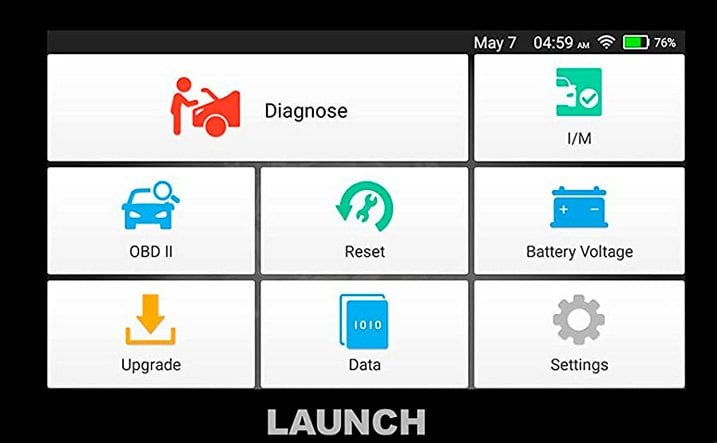
If you have the traditional (cabled) type of code reader or scanner, follow the directions on the screen - the vehicle should be idling, and the car will be in communication with the tool. You should see a main menu with choices names like "setup", "scan", "DTCs" or similar (this will vary of course from model to model). Generally, you can scroll among the choices by using the up/down/left/right buttons. Most of these scanners are fairly self-explanatory.
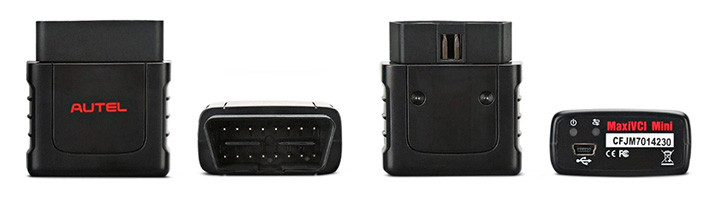
Some of the newer and smaller tools require communication with your smartphone. You still make an initial connection to the DLC, and that component is quite small. Once you've downloaded the manufacturer's app, your phone will use Bluetooth to connect and communicate with the reader. Aside from the smaller size, another advantage is mobility: you can roam around the car a bit more, as you are not limited by cable length. Your phone's screen will show a similar menu as described above, and your phone will allow you to scroll and click on your choices rather than require physical buttons.
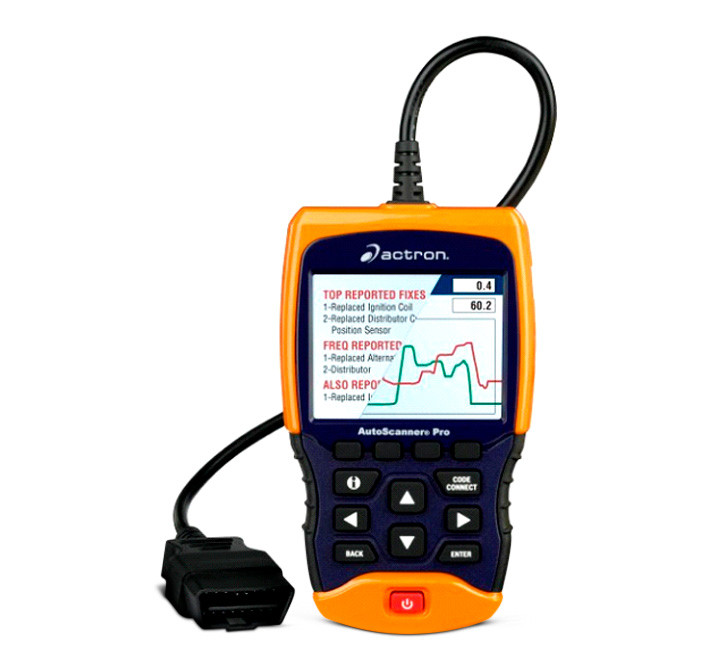
The choice between these two types of tools is up to you - one is not necessarily less expensive than the other. Make your decision based on which features are important to you. If you go the Bluetooth route, make sure that the tool is compatible with your phone, whether it be Android or Apple.
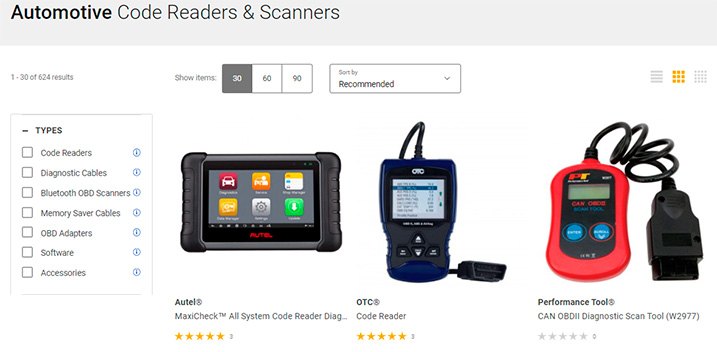
Code Readers & Scanners We Sell
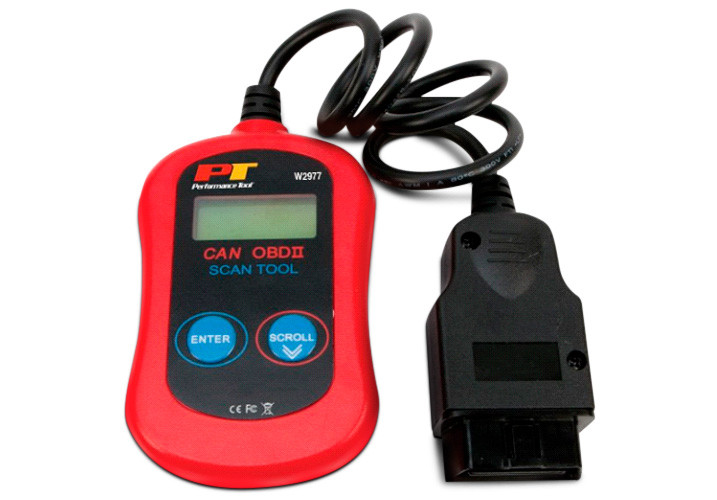
If you are not looking to invest a lot of money in a scan tool, and/or want to start with the basics just to get a feel for how this works, there are plenty of choices that will give you change from your one-hundred dollar bill. The Autel MaxiAP BL 4.0 Scan Tool connects to either an iOS or Android phone via Bluetooth allows you to read and clear DTCs for all OBD II vehicles, and also provides access to enhanced codes for domestic GM, Ford, and Chrysler products. The CAN OBDII Diagnostic Scan Tool from Performance Tool is an all-in-one tool (Bluetooth not required) which can identify and erase DTCs, turn off a check engine light (CEL/MIL), and reset the OBD II system. The Autel AutoLink Code Reader is a pocket-sized all-in-one tool that features a patented One-Click I/M Readiness Key, and in spite of its diminutive size (and price), can retrieve generic and manufacturer-specific DTCs, view freeze frame data, and reset the CEL/MIL. It is worth noting that all three of the above code scanners are priced at the present time under $60.
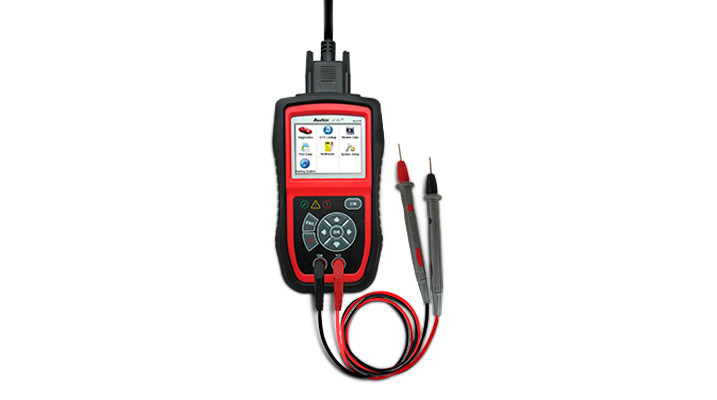
Stepping up a bit with what you might be willing to put on a credit card, this Autel AutoLink OBDII and Electrical Test Tool is a combination scan tool and DMM (digital multimeter). Besides the expected scan tool functions, it features a unique I/M Readiness Key for quick state emissions readiness check and drive cycle verification. As an electrical tool, it allows you to read voltage and resistance, and can diagnose charging systems, starting systems and battery condition. This code reader from Innova allows you to read and erase ABS & SRS DTCs, and also includes a Freeze Frame function showing engine conditions such as fuel trim and engine coolant temperature.
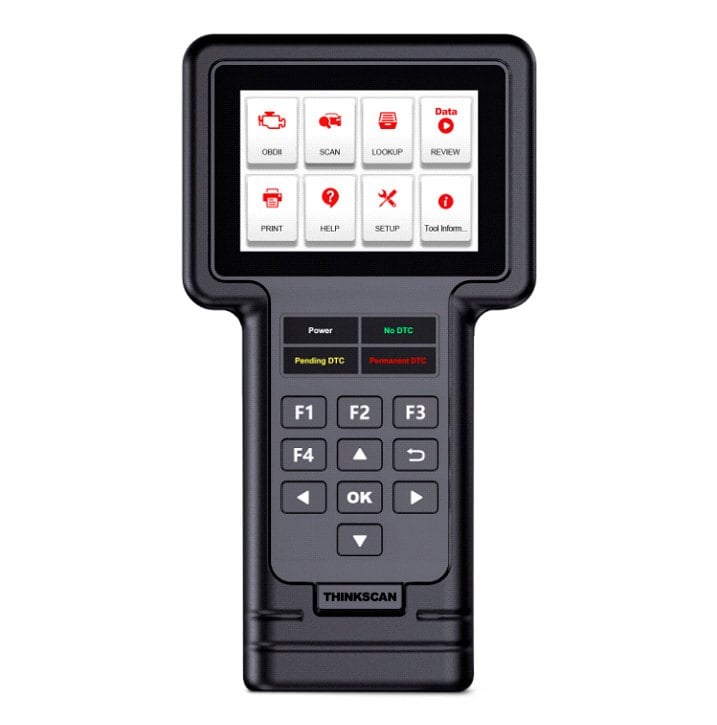
THINKCAR is a brand which offers a wide range of OBD II tools. Their vehicle-specific THINKDIAG Mini Bluetooth Car OBDII Diagnostic Tool fits in the palm of your hand, and once the app is downloaded to your phone, turns it into a handy OBD diagnostic tool. At the other extreme is their incredible ThinkScan 660 OBD Diagnostic Scan Tool, with its thorough menu-driven system. Its main menu includes Setup, Scan, Lookup, Data Review, and Help screens. Various menus provide DTC and abbreviation definitions, freeze frame data, and the ability to reset various DTCs. Perhaps best of all, its price includes free lifetime software updates for an unlimited number of vehicles. If you currently own several cars and trucks, or are working on cars for family and friends, it's easy to justify spending the bucks for this one, which is still quite reasonable at just over $250. Be sure to check out our online video review of this product, which you can find here.
Consider this article a primer on buying and using a code reader or scan tool. It simply isn't possible to cover all the tremendous capabilities of these tools in print. Sometimes, the best way to learn is to jump right in. If you own a 1996 or later car or truck, it's OBD II equipped, and for the price of dinner at a diner, you can get started with your very own OBD II code reader. Check out all of our offerings which you can find within the diagnostic and testing tools section of our automotive tools departments, and give one a try!